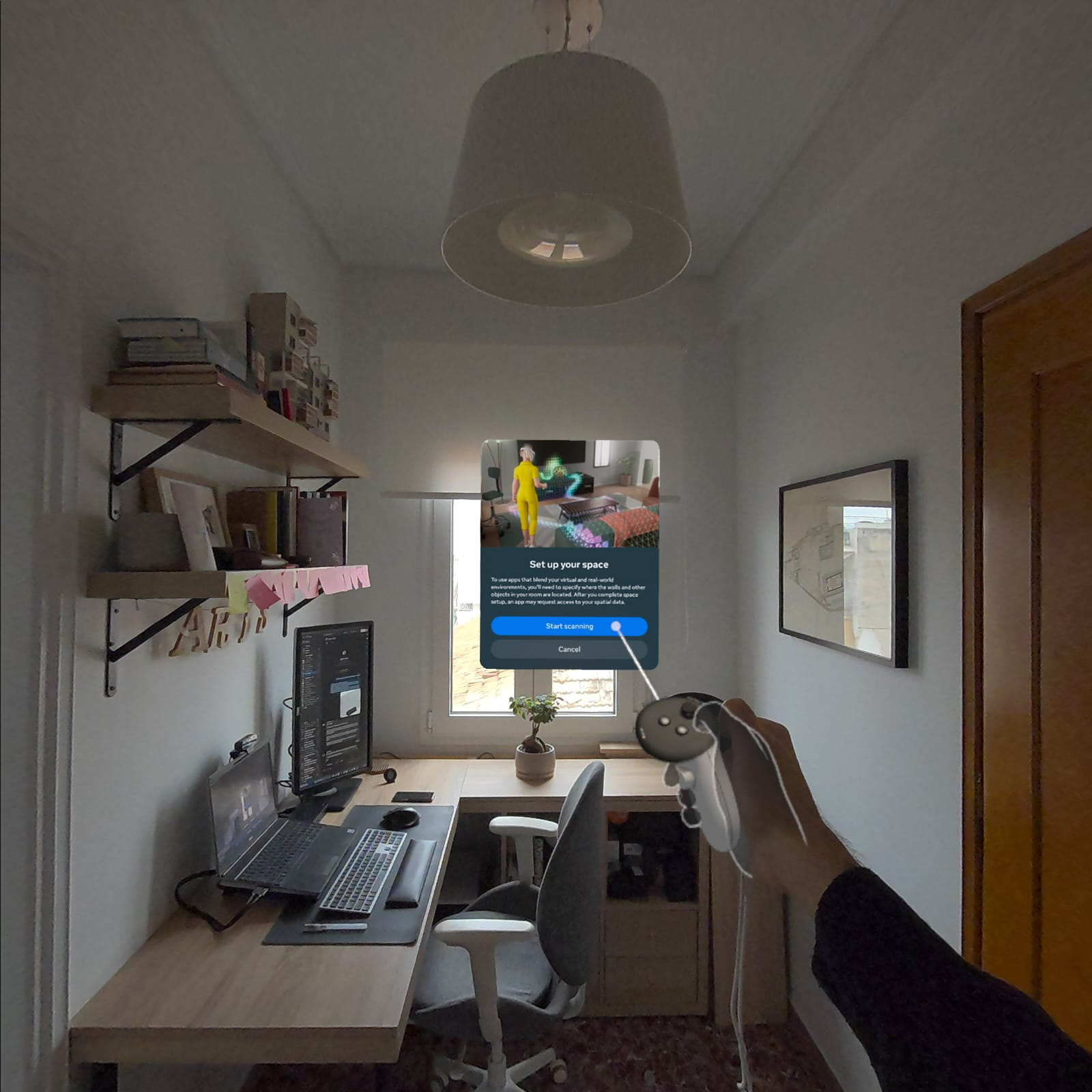
Como abrir o Scan Space
Last updated: abr 11, 2026•1 min read.
Beginning September 16, 2025, SketchUp Viewer for Meta Quest will no longer be available to download. For more information, see End of Support - Viewer for Meta Quest .
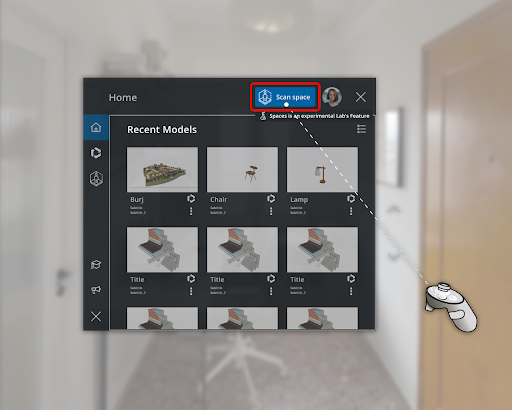
You can launch Scan Space in SketchUp Viewer in two ways. First, you can select Scan Space from the top of the Home menu.
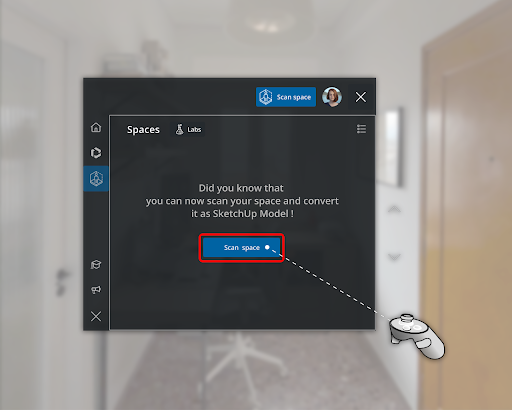
You can also select the Scan Spaces tab and click Scan Space .
After launching Scan Space, SketchUp Viewer will ask for your permission to use your camera to collect data. Granting access directs you to Quest’s native scanning interface.