
Saving a LayOut Document
Last updated: 4月 10, 2026•1 分钟 read.
To save your LayOut document, follow these steps:
If this is the first time saving your document, select File > Save or File > Save As.
Navigate to the location on your hard drive where you want to save the document.
In the File Name box, type a name for your document.
Click Save.
LayOut uses an auto-save function and backup files to help make sure your documents aren’t lost to crashes or file corruption.
After saving a document for the first time, LayOut saves a backup every 5 minutes by default. To change these settings, see Setting Preferences.
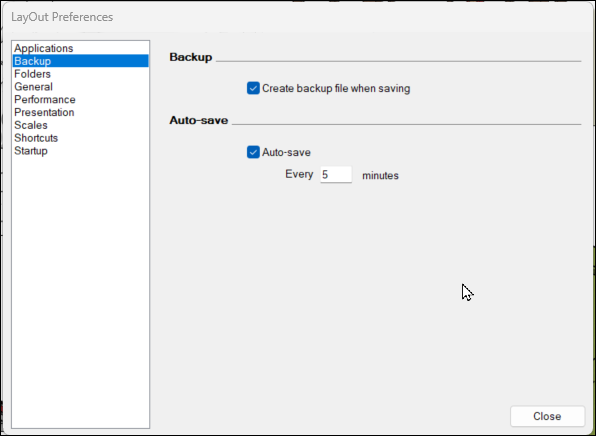
Backup files are saved in the same folder you’ve set as the default for your other LayOut files.