
SketchUp for Web's Main Toolbar
Last updated: 4月 10, 2026•1 分鐘 read.
When opening a model you'll see the Main Toolbar appears on the left side.
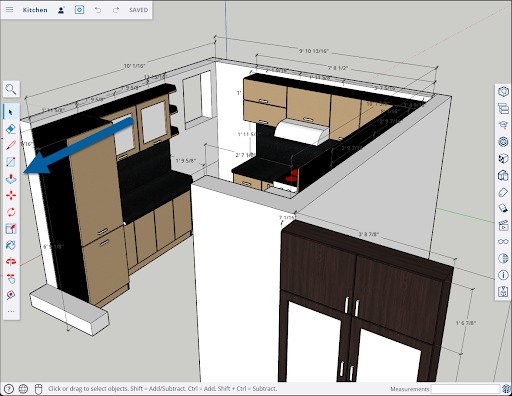
The top icon is Search SketchUp (  ). Clicking Search SketchUp opens a search bar. Clicking Help (
  ) in the search bar opens a list of search controls. For more detailed information on how Search works, see Search for Tools and Commands .
The Main Toolbar contains the following tools:
For the rest of your tools, see SketchUp for Web Expanded Toolbar .