
Installing V-Ray for SketchUp
Before installing V-Ray for SketchUp, confirm you meet the following system requirements:
Note : V-Ray is only supported for 64-bit operating systems and 64-bit version of SketchUp.
Users with a SketchUp Studio subscription can choose to download V-Ray for SketchUp along with other Studio entitlements in the Windows Installer.
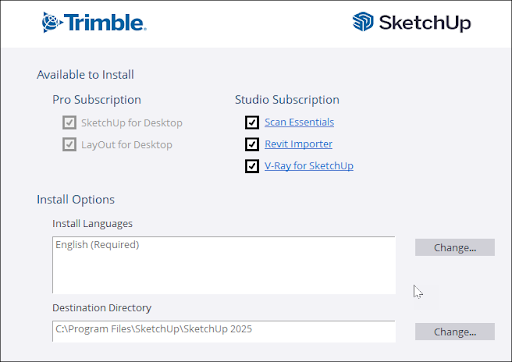
If you have already installed SketchUp, you can install V-Ray for SketchUp by following these steps:
Download the V-Ray for SketchUp installer, available in your My Products page. Account Management Portal .
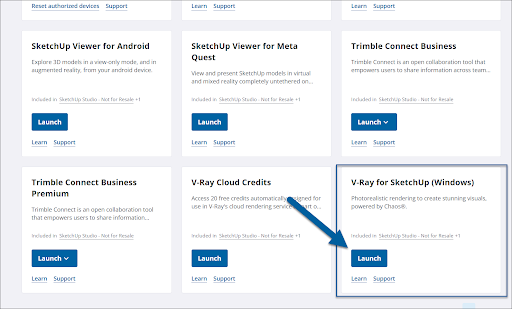
After the download completes, locate the installer and double-click to launch.
Please review the license agreement and click Next for your installation options.
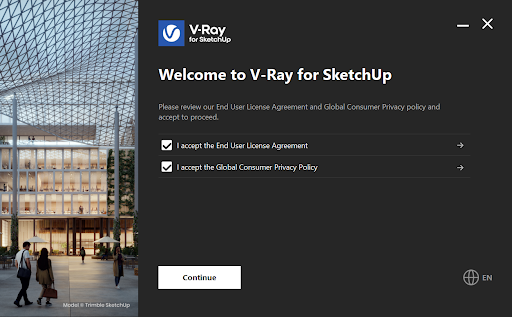
When prompted, select the version of SketchUp you are using.
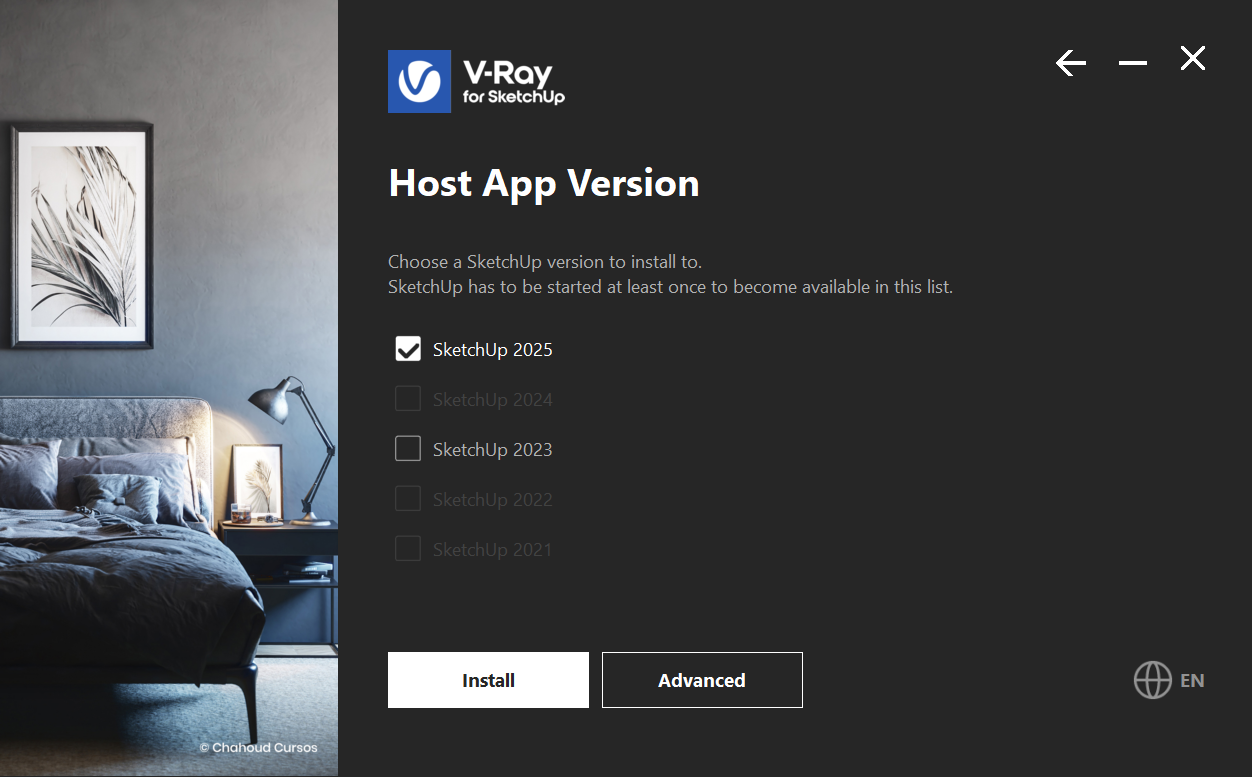
Select Install to use the default installation options.
Select Advanced to specify if you want to install Chaos Swarm and licensing options. V-Ray for SketchUp requires the Local option for licensing.
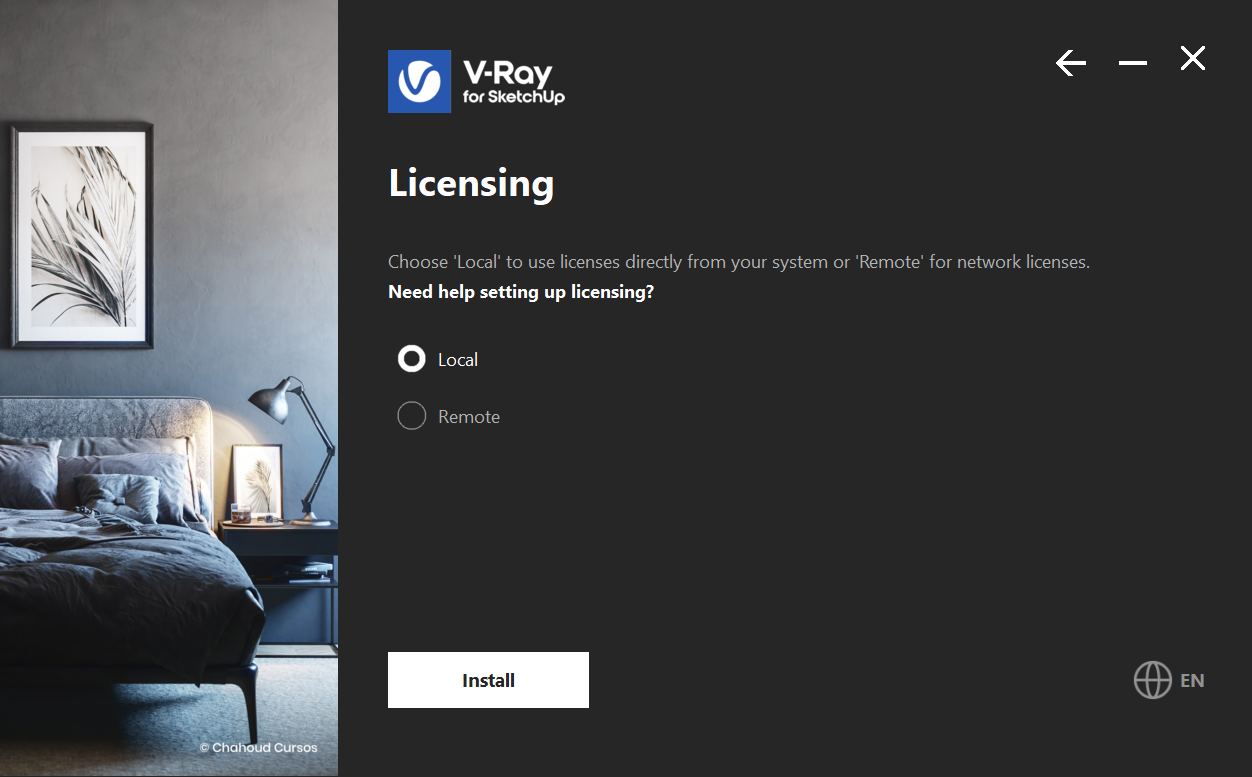
After installation you'll see options to open the release notes file or share anonymous data with Chaos Group.
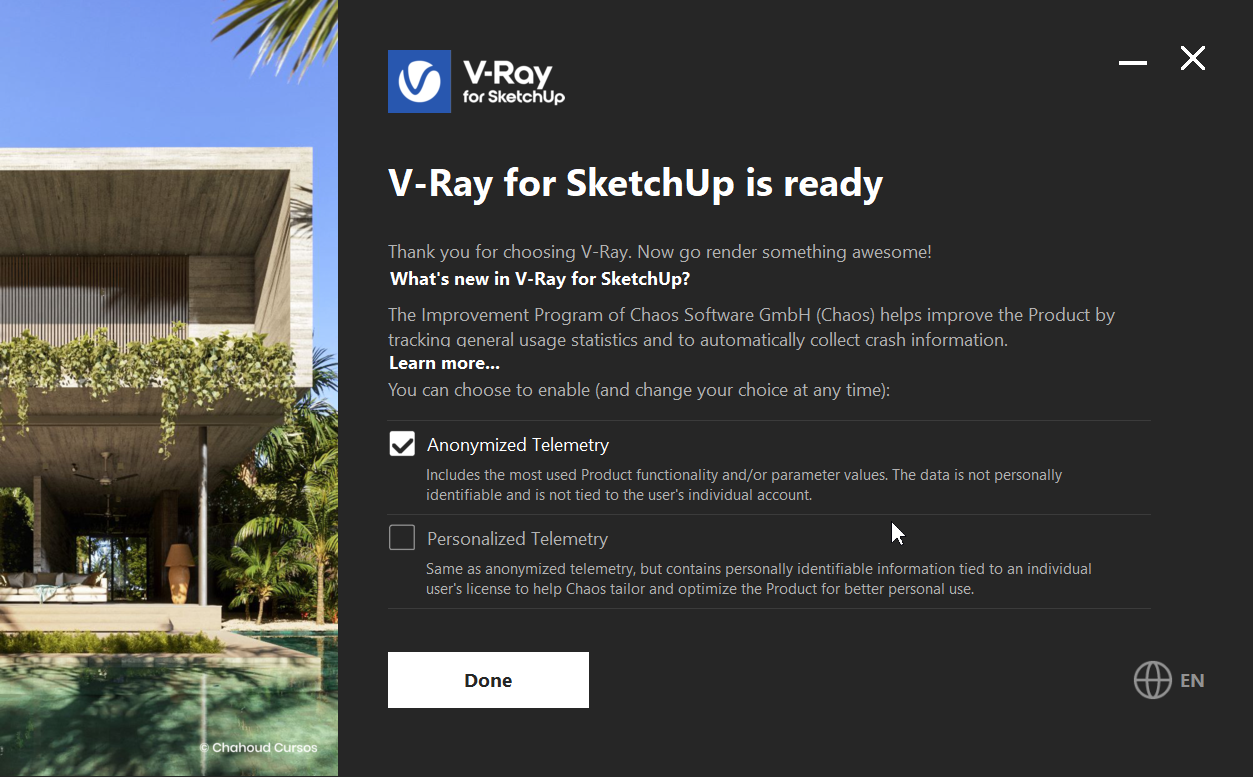
Click Done to close the installer.
Warning: If you do not follow the installation instructions in this article, or do not have a Studio entitlement, you will receive an error message. 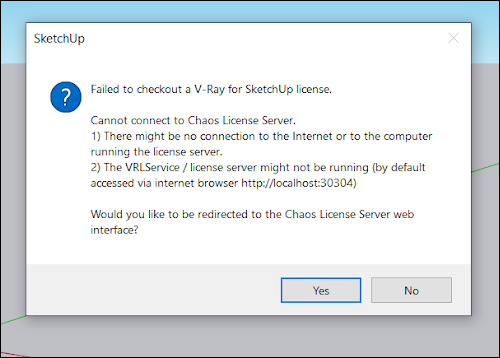 Clicking Yes on this message directs you to the Chaos License Server. Use your Trimble ID to sign-in on that page. If you have a Studio entitlement this will link your account. If you do not, you will be notified there is not a license associated with your Trimble account.