Getting Started with the SketchUp PreDesign tool
Studies
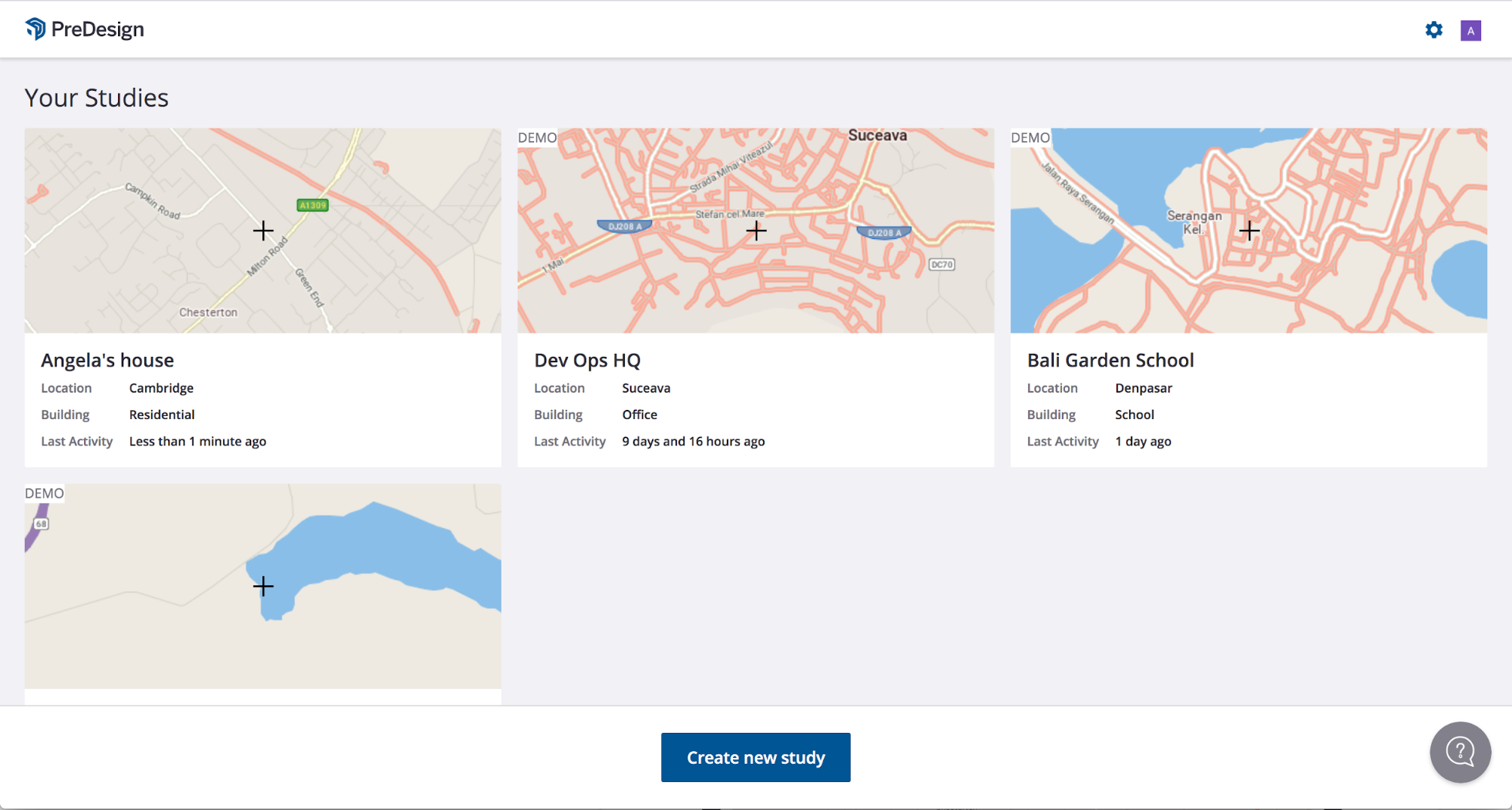
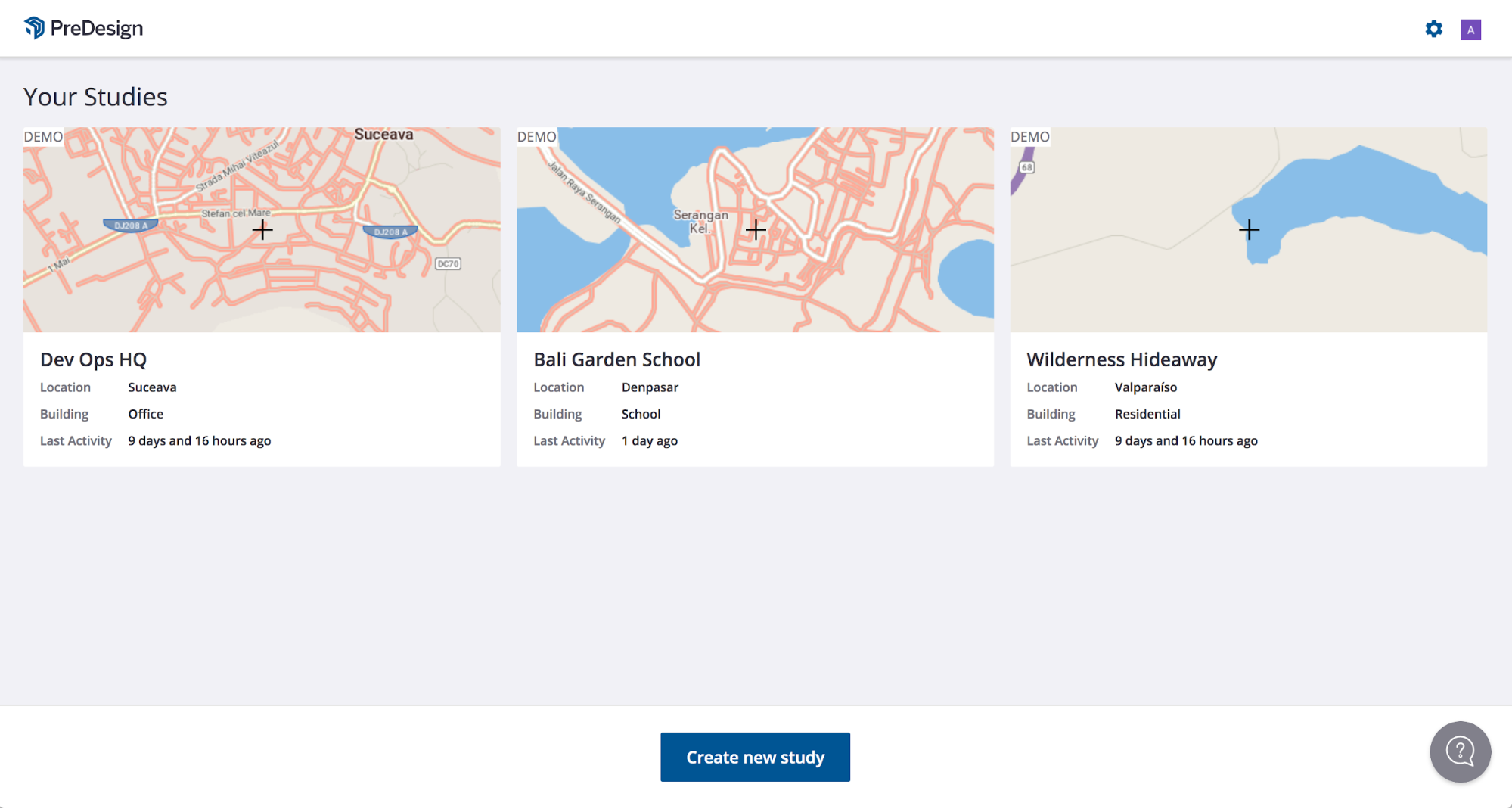
When you open the pre-design tool for the first time you will come to the Studies page. Here you will see 3 demonstration studies and have the opportunity to create your own study for your own project.
Creating a study
The goal of the pre-design tool is to give you guidance with the least possible starting information. To create a study, all you will need are the following:
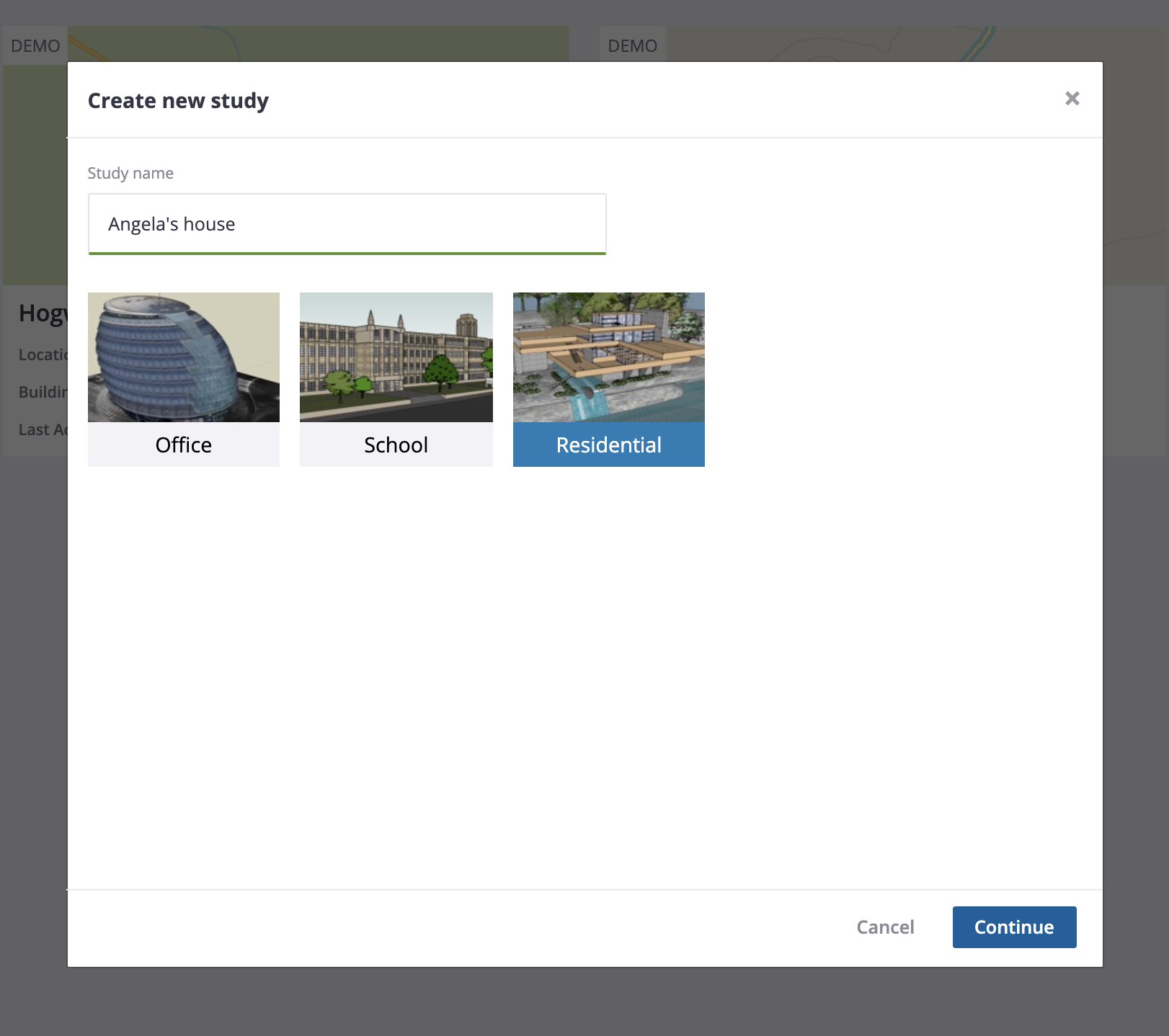
A unique name for your study
The building type
A location (could be just the name of a city or could be a specific address)
Choosing a building type
Once you have entered a unique name for your study, you can choose a building type.
Choosing the most suitable building type is important because different types of buildings are used very differently and so our recommendations and some methods vary based on the building type applied.
Choosing your location and climate data
Specifying a location provides the following:
a background map. This is used to help identify the project and as a background on some visualisations
An easy way to helps us guide you to the right historical climate data for the study.
In the create study workflow, you can start typing an address and you’ll start getting options that might relate to what you are typing.
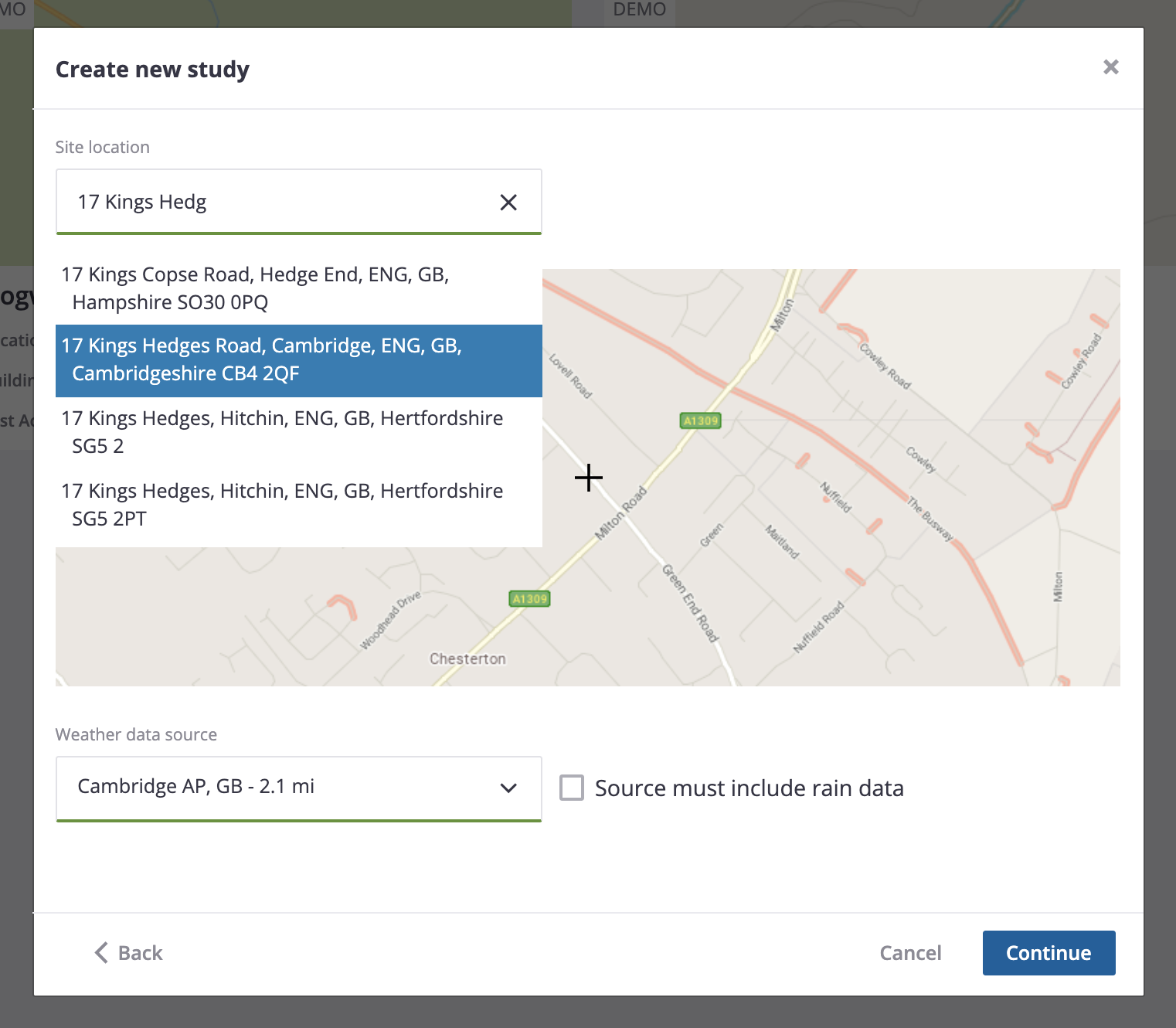
If you enter a specific address, the map will be zoomed in further and show the area around your site address.
After entering a location, a set of climate data will be selected for you. This is a typical year’s worth of historical weather data, recorded hourly, for that site. It is used as the basis for the design guidance we offer you.
Most of the climate data comes from climate.onebuilding.org , a third party site that maintains and aggregates weather data for use in building analysis from sources around the world. This map shows the weather stations available. Choosing the closest location is generally fine; sometimes weather data is different for different locations that are close to each other.
Schedule Reminder
This page serves to communicate that different building types offer different schedules.
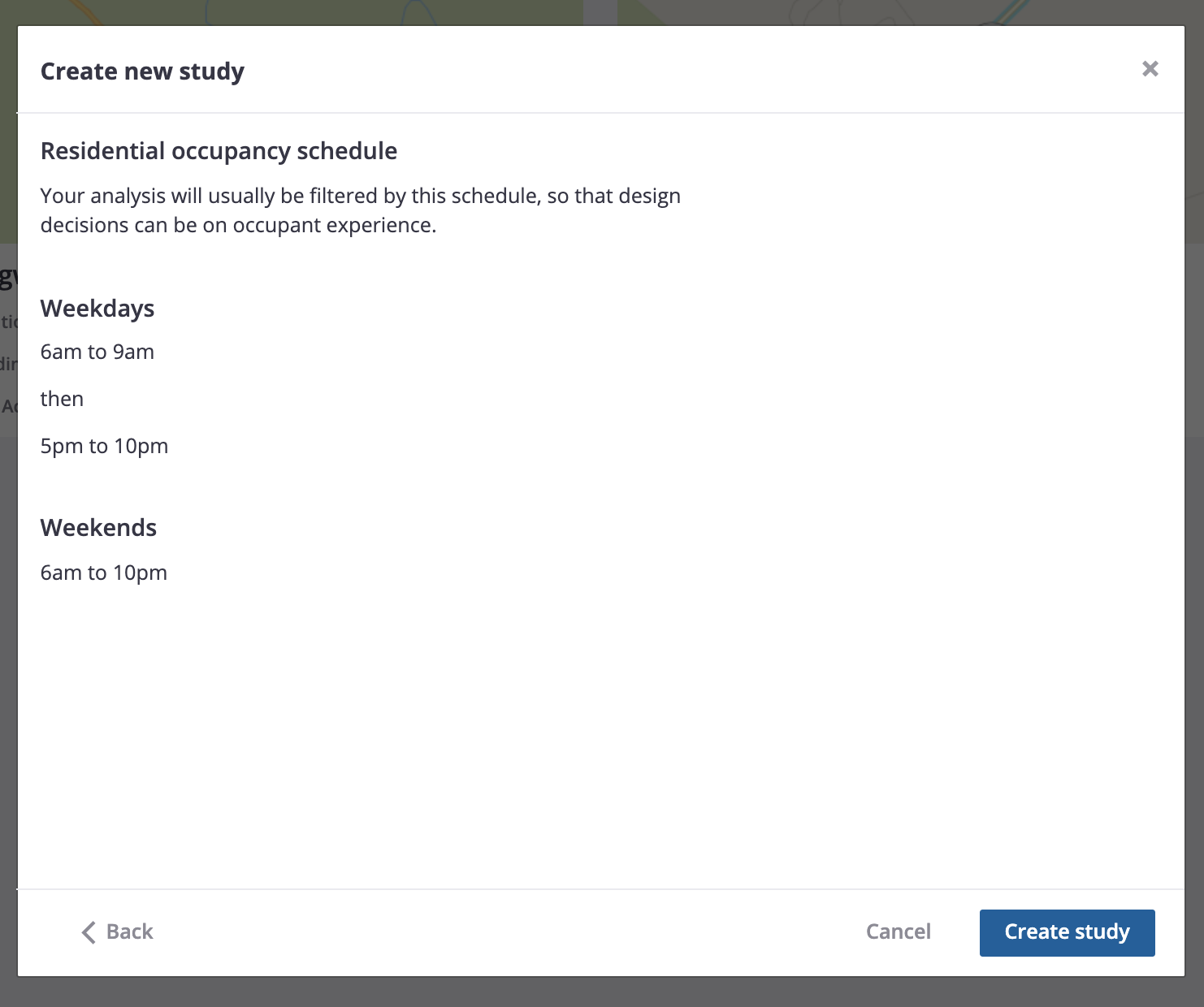
Some information is filtered based on when the building is typically used. For example, with residential projects, you’ll see for most locations it will describe conditions as dark a lot of the time. This is because when houses are used, it’s often dark outside!
Once you have finished, your new study will appear on the main page list of studies.