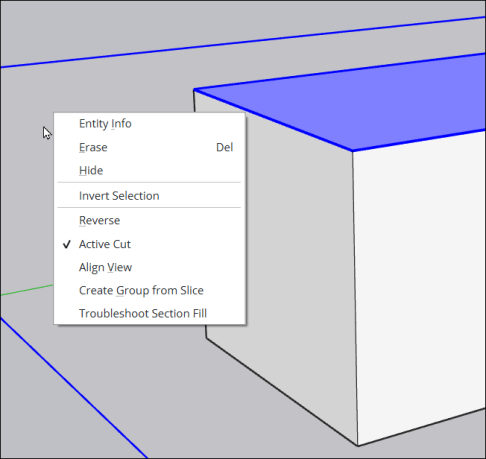
Entity Context Menus
Last updated: Apr 11, 2026•8 min read.
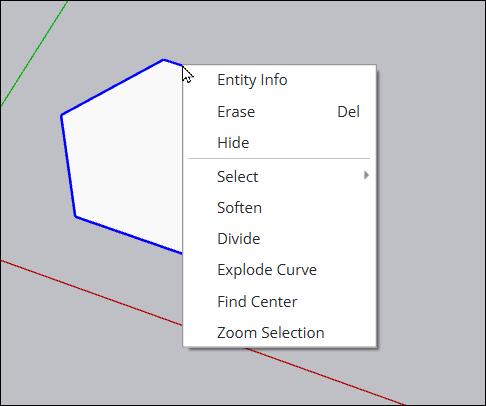
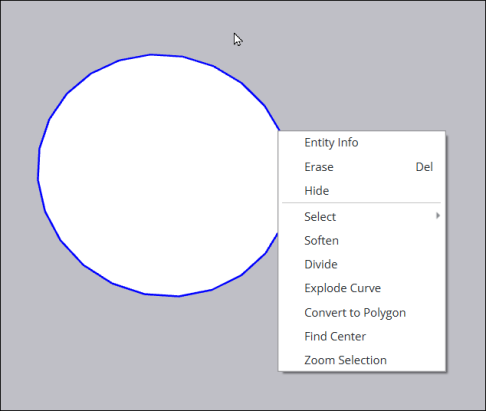
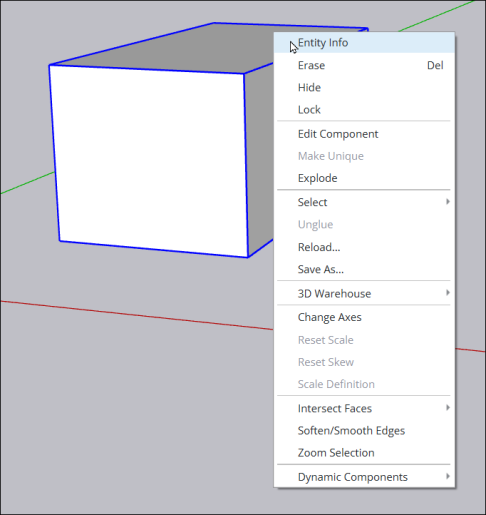
SketchUp’s context menus offer different options depending on what type of entity you are working with. Knowing what’s available when you context click an entity can help you skip a few clicks and model with better precision.
Note: Not all context menu options will be available for every entity of the same type. If an option isn’t available it will usually appear as grayed out.
All
These options appear for almost every entity.
3D Polyline
Circle
Component
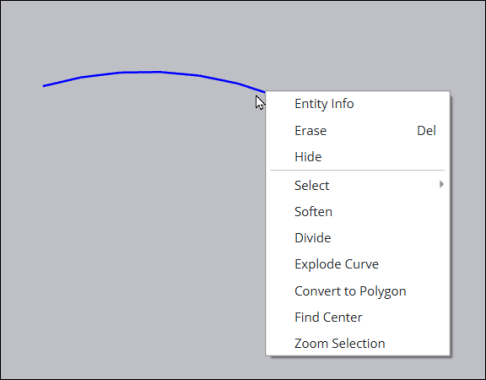
Curve
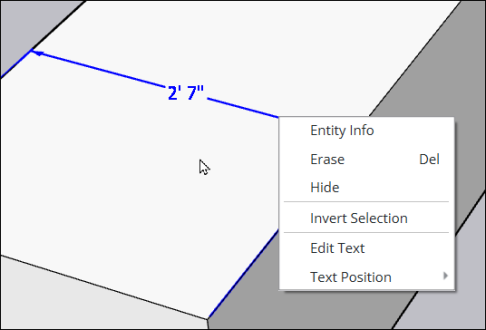
Dimension
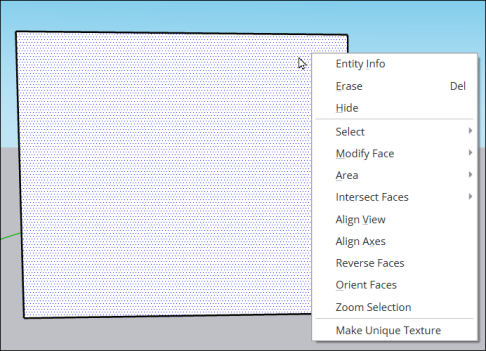
Face/Surface
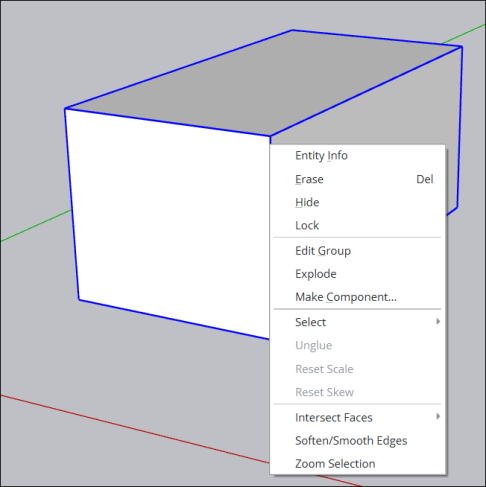
Group
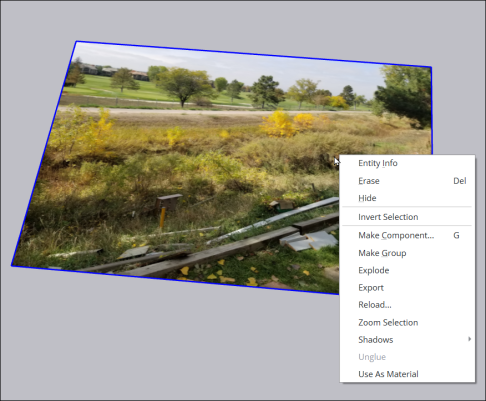
Image
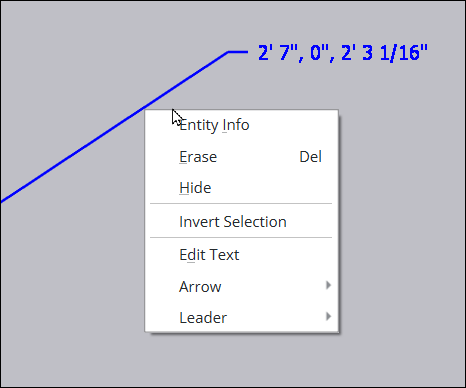
Leader Line
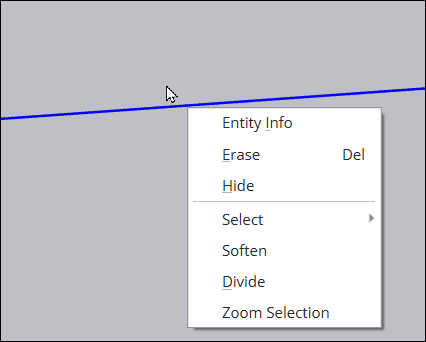
Line
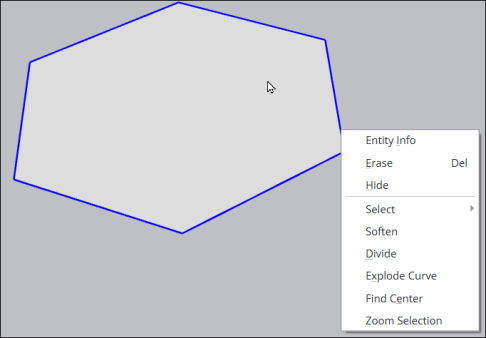
Polygon
Section Plane