
Image Object Generation
If you want to use an image to generate an object there are a few things to keep in mind:
The image must be a .png, .jpg, .jpeg, or .heic file.
The image must be 50MB or less.
An image with a white background works best.
To use an image to generate an object:
Open SketchUp Assistant and select the Generate Object tab (
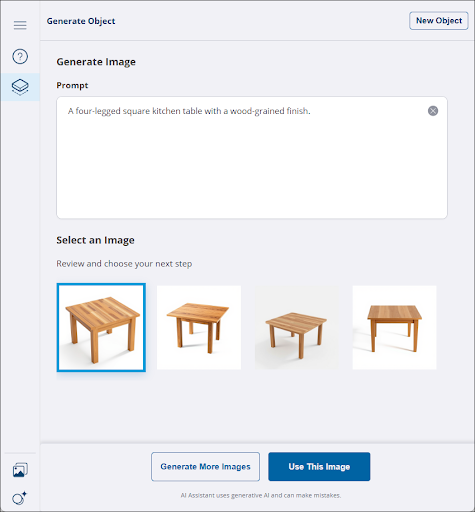 ).
).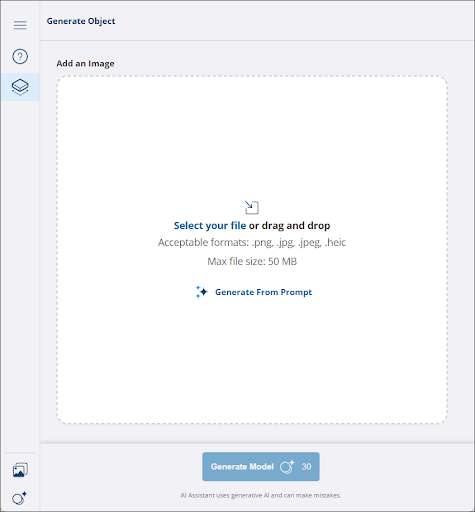
Click Select Your File to open your file browser and select an image, or drag and drop an image file into the space.
Under Prompt , enter in any additional text prompts you would like to add. If you need help with crafting a text prompt, see Best Practices for Custom Prompts .
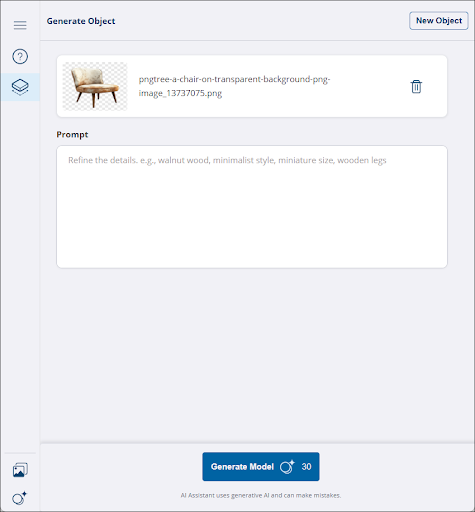
Click Generate Model . SketchUp Assistant may take some time generating your model.
When your model is ready, SketchUp Assistant shows you a preview of the generated model, along with the details it used to generate it.
Clicking Download returns you to the modeling window where you can now place the generated object.