
Generated Object Gallery
Last updated: Apr 11, 2026•1 min read.
Once you generate a model you can view it in the Gallery (  ).
).
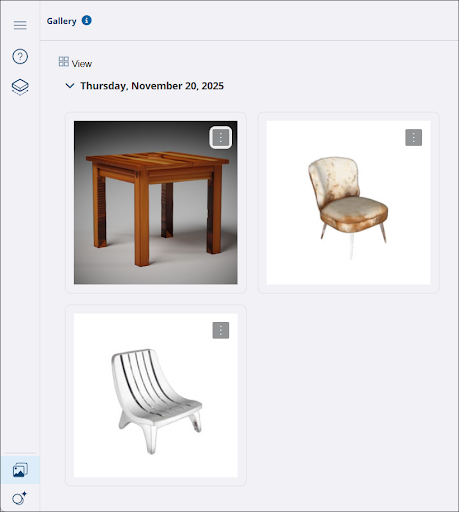
SketchUp Assistant sorts your generated objects by the date they were generated. Clicking View (  ) adjusts the thumbnail size, allowing more or fewer to fit on the screen.
You can download an object into your model, or delete one of your generated objects using the context menu (  ).
).