
Deleting Imagery
Last updated: Apr 11, 2026•1 min read.
Imported imagery is an entity just like everything else in your model. To delete imported map imagery:
Select the imagery.
Unlock the imagery from the menu bar by selecting Edit > Unlock > Selected or click Unlock in the context menu.
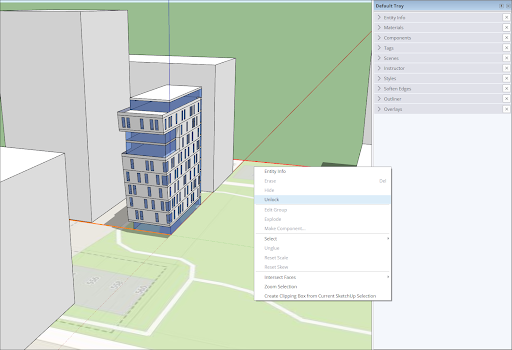
Delete the imagery just like you would with any other geometry in your model.