
Entity Info Panel
Last updated: Apr. 10, 2026•1 Min. read.
Each Entity in a model is made up of attributes. These attributes include what type of entity it is, the entity's measurements, and more. You can view these attributes using the Entity Info panel.
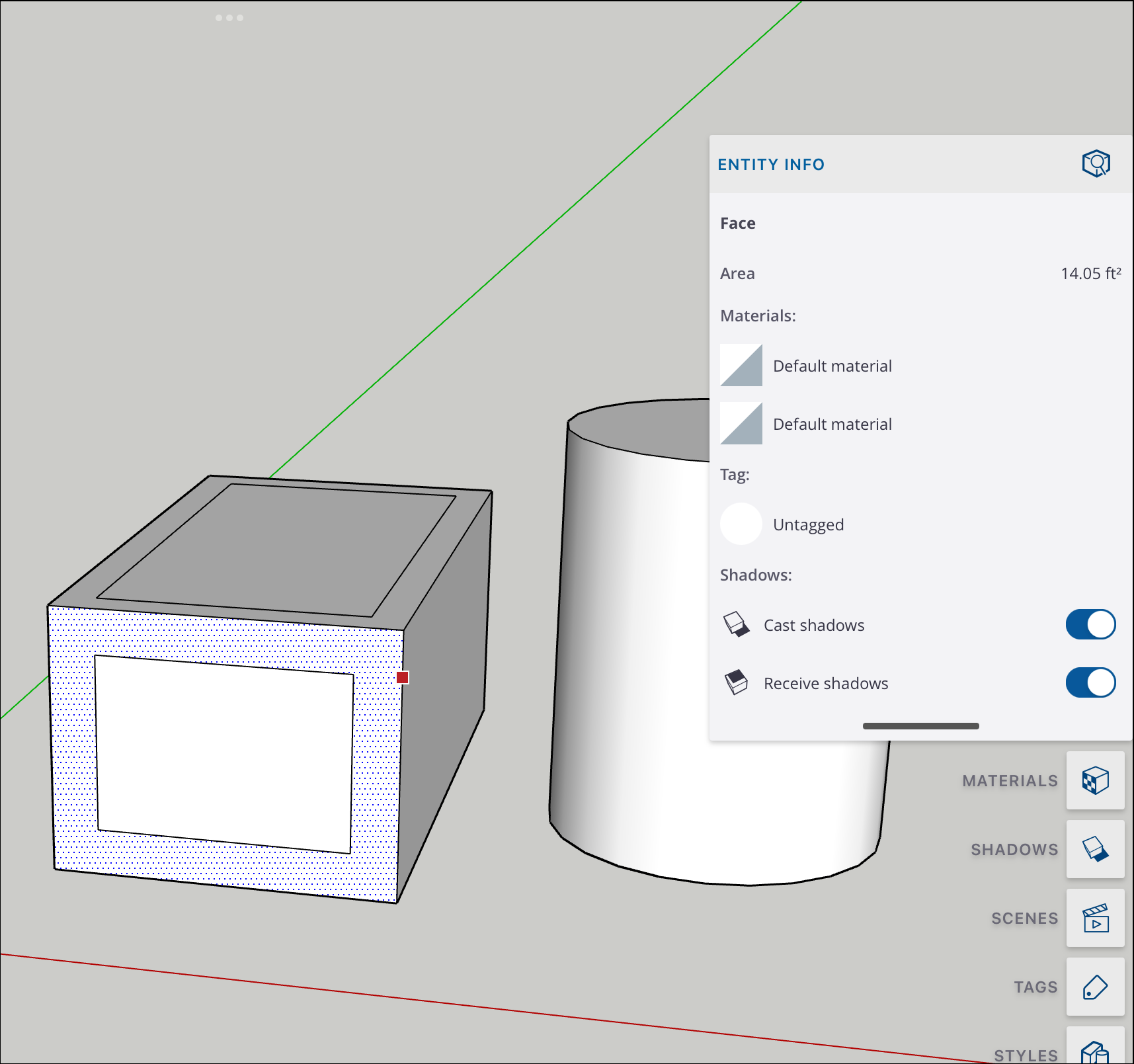
After selecting an entity, you can open the Entity Info panel and see the following information:
What type of entity (edge, face, group, or component) you've selected.
Measurements appropriate to the type of entity selected (e.g. area for a face, length for an edge).
Any materials present in the entity.
Any tags associated with the entity.
The shadow settings for the entity. You'll see two toggles, Cast shadows and Receive shadows.