
Solid Tools
Last updated: kwi 10, 2026•1 min read.
In SketchUp, a solid is any 3D component or group with a finite closed volume without any missing faces or faces that do not meet at an edge. With SketchUp's Solid Tools you can create new shapes by combining or cutting one solid with another.
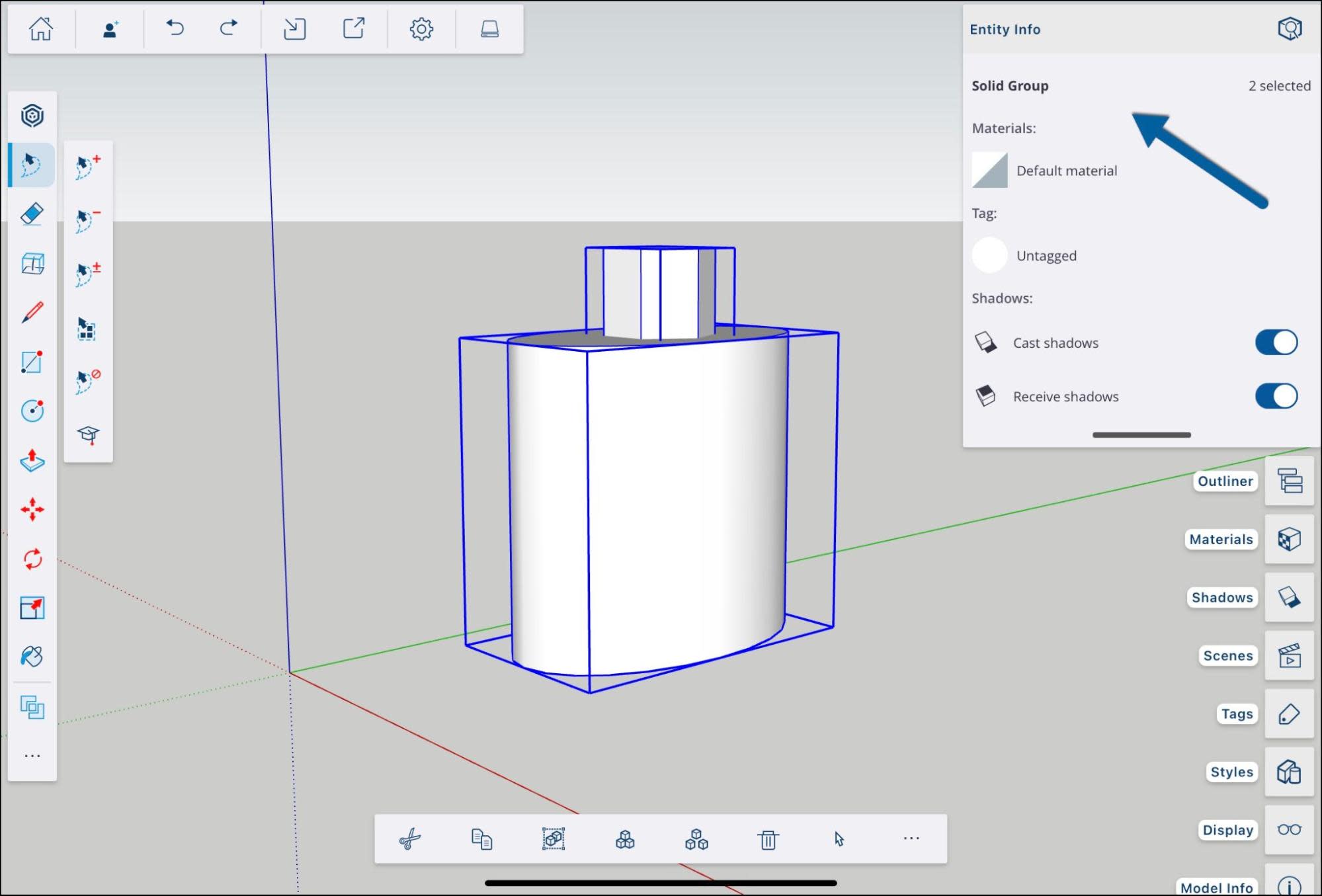
First, make sure the geometry you want to manipulate is a solid. Select the group or component and check the Entity Info panel. If your selection is a solid, you'll see confirmation there.
To help you start creating intricate geometry and complicated shapes, SketchUp provides the following Solid Tools: