
Display Panel
Last updated: kwi 10, 2026•1 min read.
The Display (  ) panel helps you control hidden geometry in your model.
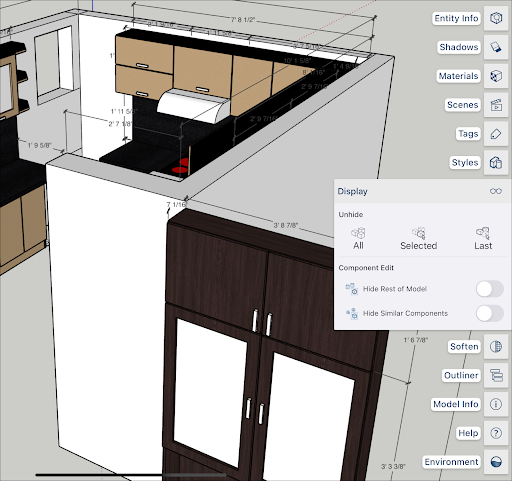
The Unhide section help you control hidden geometry with the following options:
All unhides all hidden geometry.
Selected unhides only the current selection.
Last unhides the last piece of geometry chosen to hide.
Component Edit contains two togglable options:
Hide Rest of Model , when toggled on, hides everything in your model except the selected component.
Hide Similar Components hides any components similar to the selected component.
For more information about manipulating hidden geometry see the Hiding Geometry section of Softening, Smoothing, and Hiding Geometry .