
Setting Up as a Student
Students can start using SketchUp for Schools anytime after an administrator deploys the app for their domain. The easiest way to access SketchUp for schools is by navigating to edu.sketchup.com . Students can also access SketchUp for Schools using Google or Microsoft.
Note : In order to access SketchUp for Schools, disable pop-up blockers and allow cookies for edu.sketchup.com .
Google for Education
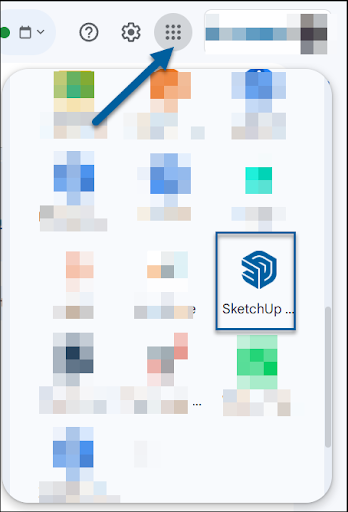
To open SketchUp for Schools, students will open their Google navigation menu. The SketchUp for Schools application usually appears near the bottom half of the list.
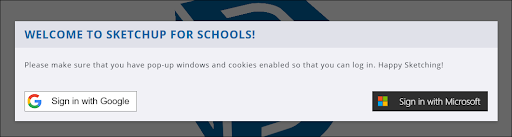
When prompted, the student will click Sign In with Google .
After entering in the login associated with their account, the student will be directed to SketchUp for Schools and can begin modeling.
Microsoft Education
Students who access SketchUp for Schools with a Microsoft Education account will navigate to edu.sketchup.com . When prompted, the student will click Sign In with Microsoft .
After entering in the login associated with their account, the student will be directed to SketchUp for Schools and can begin modeling.