
Downloading a Model to Your Device
Last updated: kwi 11, 2026•1 min read.
In the dropdown menu of the Main Menu, click Download .
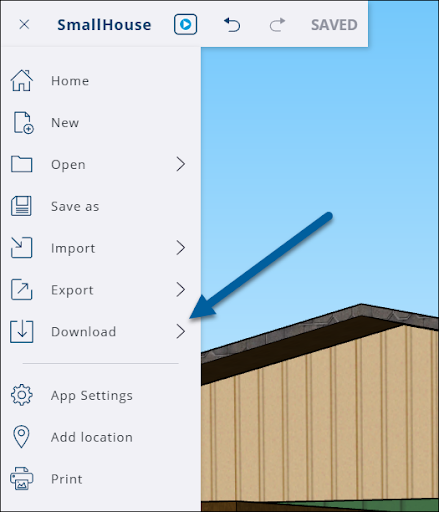
Select the file type you wish your file to be saved as on your device. The options are .skp, .png, and .stl.
The file will download to the location designated by your browser settings. If you aren’t sure where your downloads go, search the settings of your preferred browser and search for Downloads.