
Paid Extensions
Extension Warehouse offers a wide range of extensions both free and paid. Some extension developers require either a one-time purchase, or a recurring payment, to use their extension. Paid extensions in Extension Warehouse appear in search results with either the price listed or a “Listing Page” tag.
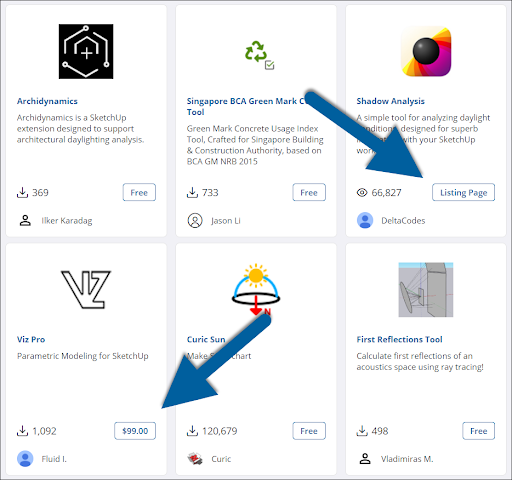
Extensions with a price listed can be purchased in Extension Warehouse. Those with a Listing Page tag require you to visit the extension developer’s page to purchase and download.
Note : Extensions purchased through Extension Warehouse are non-refundable. Most paid extensions offer a trial before purchase to help you try it before you buy it. During the purchase process, select Start Free Trial instead of Purchase .
To purchase and extension, follow these steps:
On the extension details page, click Try or Purchase and select Purchase .
A window will appear asking for your billing and payment information.
After entering your information, agreeing to Trimble’s eCommerce Terms and Conditions , and acknowledging you have read the Trimble Privacy Notice , click Pay Now.
After your purchase, an email receipt will be sent to your Trimble ID email address.