
Models in 3D Warehouse
3D Warehouse is one of the best places to find and share SketchUp models. If you are looking for that perfect lamp for the bedroom you are designing, or a fully modeled skyscraper, 3D Warehouse can help you find it, or share the ones you’ve made.
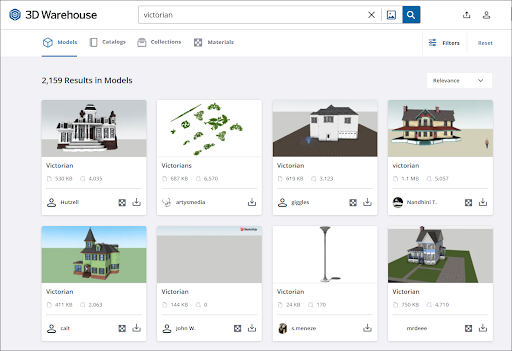
When you search for models, you can view all the details added by the creator and add it to your Likes or save it to a Collection. For more details on models in 3D Warehouse, take a look at the following articles:
Searching for Models – Learn the basics of searching for models in 3D Warehouse.
Downloading Models – Once you have found a model, learn about how to download the model into SketchUp or to your device.
Uploading Models – Have a model you want to share? Learn about the different ways you can upload a model to your 3D Warehouse profile.
Certified Content – Some models are marked as Certified Content. Learn more about what that means.