Testing a Dynamic Component
Last updated: апр. 10, 2026•1 мин read.
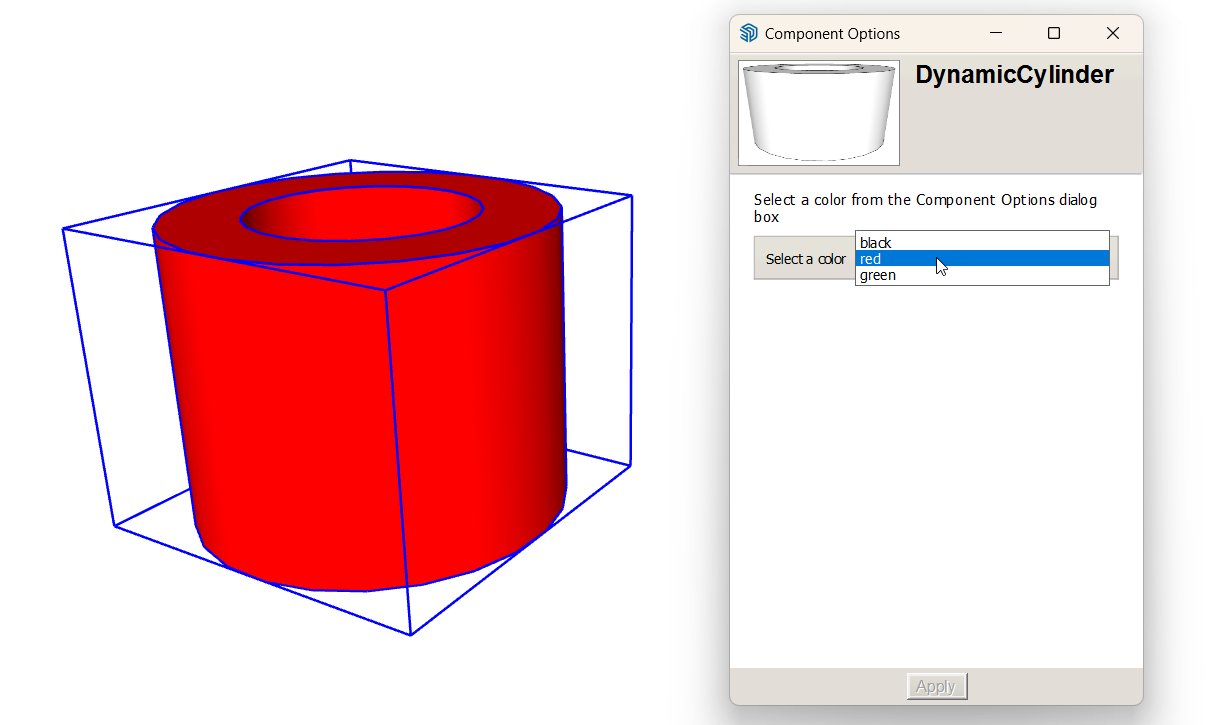
After you define the attributes and values for a dynamic component, test how it works in the Component Options window, which you can open in any of the following ways:
Click the Component Options tool (
 ) on the Dynamic Components toolbar.
Select Window > Component Options .
Context-click the component and select Dynamic Components > Component Options .
Select an option and click Apply to change the component’s color.