Modeling Tips and Tricks
Last updated: апр. 10, 2026•1 мин read.
Tip #1: Segmentation
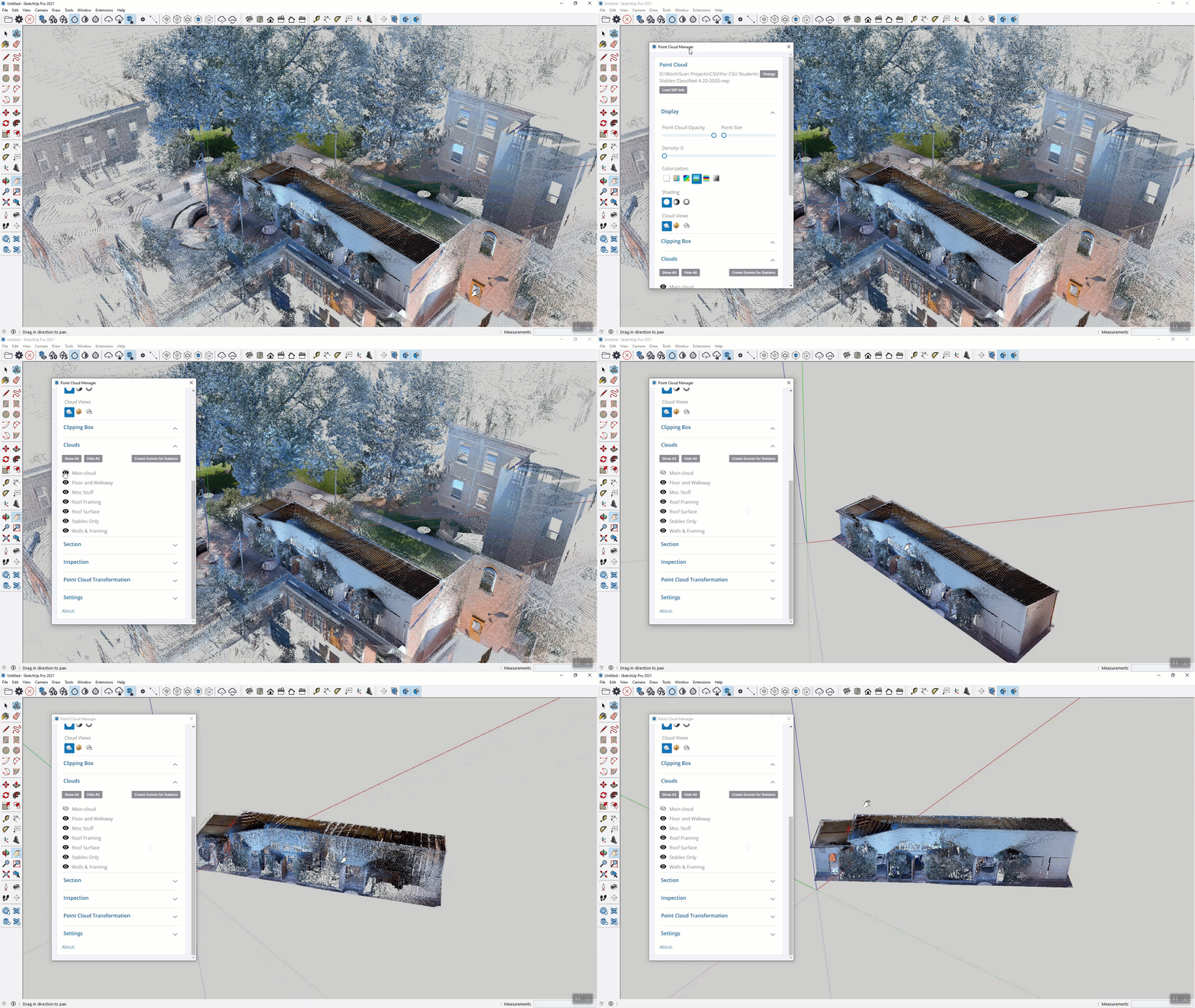
If you segment your point cloud in RealWorks and export your project as an .RWP file, the project will retain those segmented portions and allow you to toggle them on and off in the Point Cloud Manager menu. This can help cut out unnecessary parts of the point cloud and make it easier to see the areas that you want to model on.
Tip #2: Axis
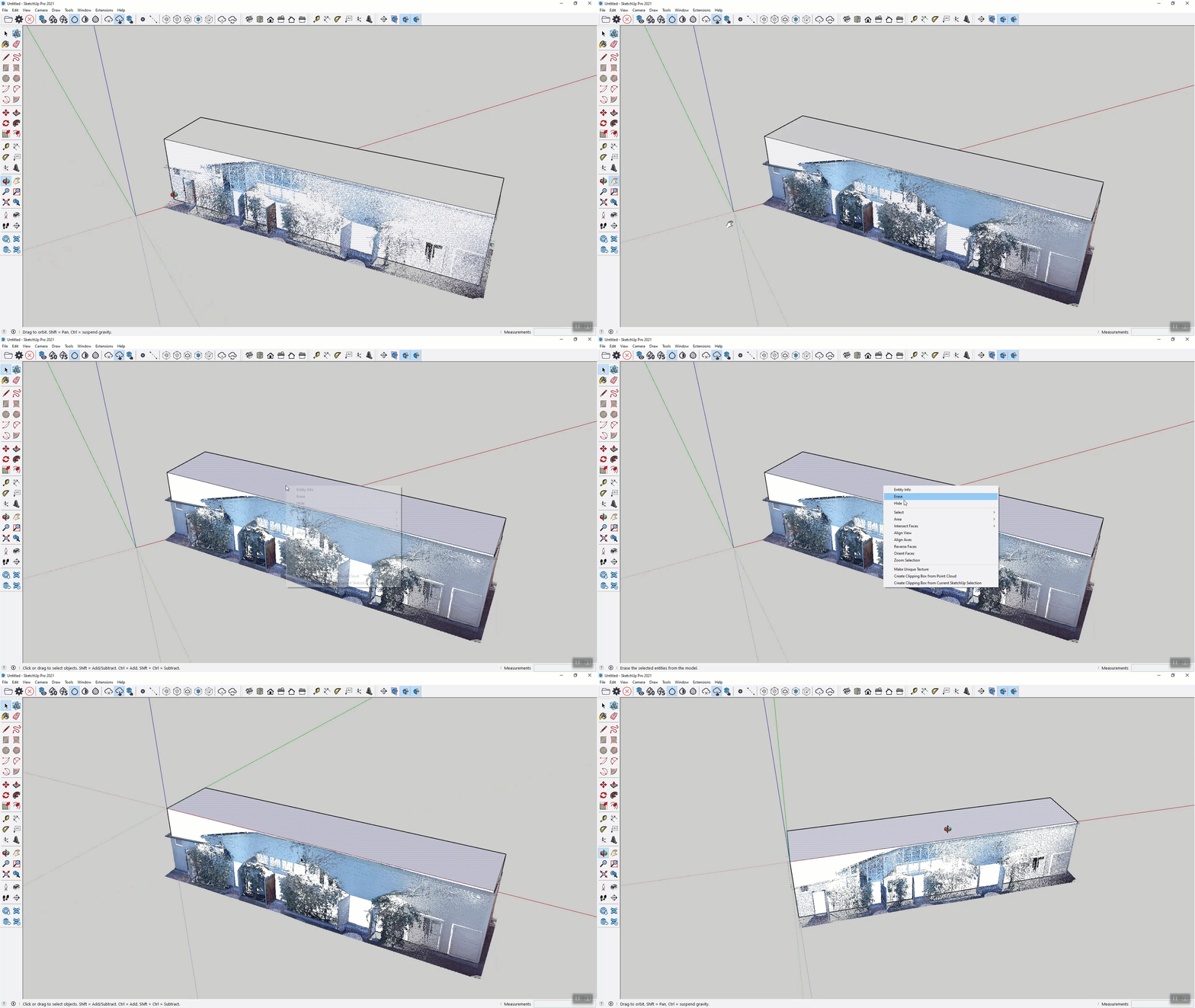
To make modeling on your point cloud easier, try aligning your axes to your point cloud so that you are able to use the arrow keys to lock the axes in the X, Y and Z directions. You can do so by either using the Axes tool or by right clicking the face you want to align the axes to
Tip #3: Keyboard shortcuts
The Scan Essentials toolbar can be found in the Shortcuts menu to help you quickly swap between tools and increase productivity