
Environments in 3D Warehouse
Environments allow you to add 360°panoramic backgrounds and image-based lighting conditions to your SketchUp models. The Environments panel offers a few environment options. If you want to add more, check out the Environments section of the SketchUp Content Library in 3D Warehouse.
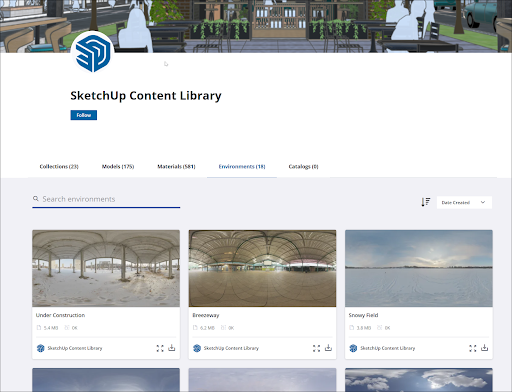
To add an environment you find in 3D Warehouse to your environment collection in SketchUp, follow these steps:
In 3D Warehouse, locate the tile for the environment you want to use and click Download (
 ).
).In SketchUp click File > Import .
Locate the .ske file you just downloaded and click Open .
Sketchup will apply the environment to your model and that environment will also appear on the Environment panel for that model.
Tip : Keep all of your downloaded environments in the same file. That makes them easier to find if you want to add one of them to a different model.