SketchUp Assistant for iPad
The AI features in SketchUp for iPad offer several ways to enhance your existing workflows. With AI Assistant , you can get answers to your SketchUp related questions from AI Help , or create 3D assets with Generate Object . With AI Render, you can combine an active model’s viewport with a text prompt or preset style to create a new, AI-generated image.
To get started, tap SketchUp AI (  ) in the Menu bar.
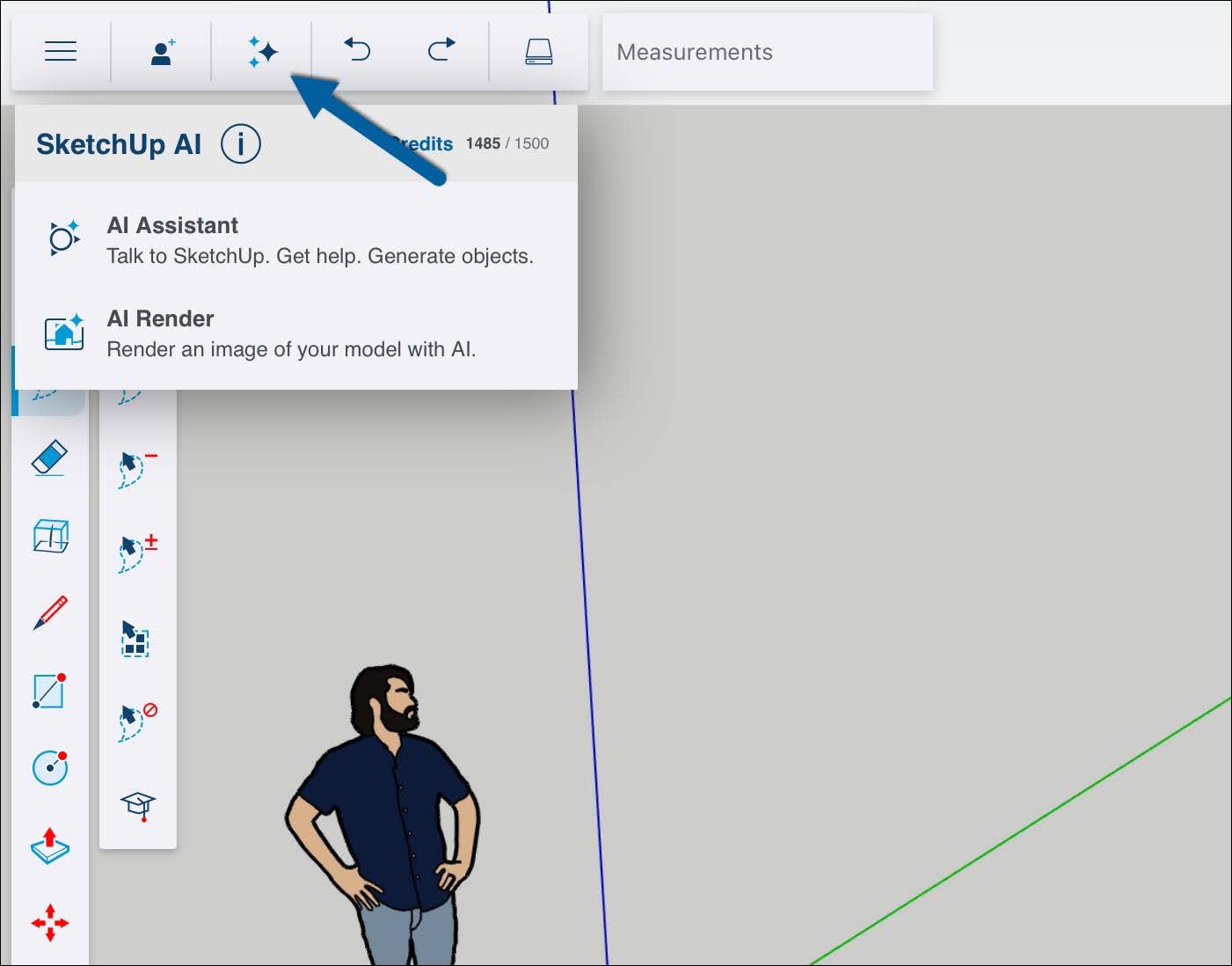
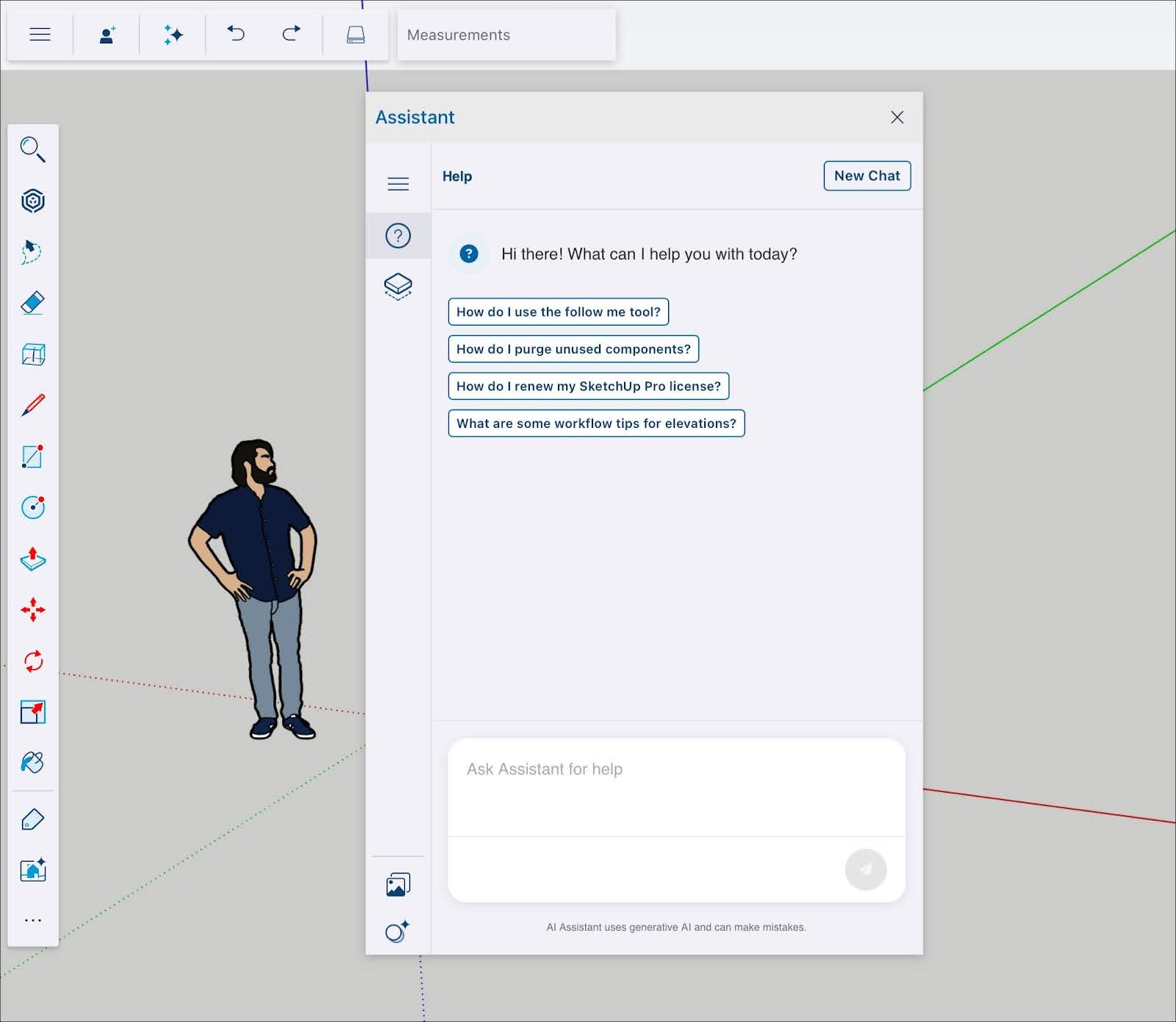
Selecting AI Assistant opens the Assistant modal. Tapping Help (  ) opens the AI Help interface. For details on how it works, see AI Help .
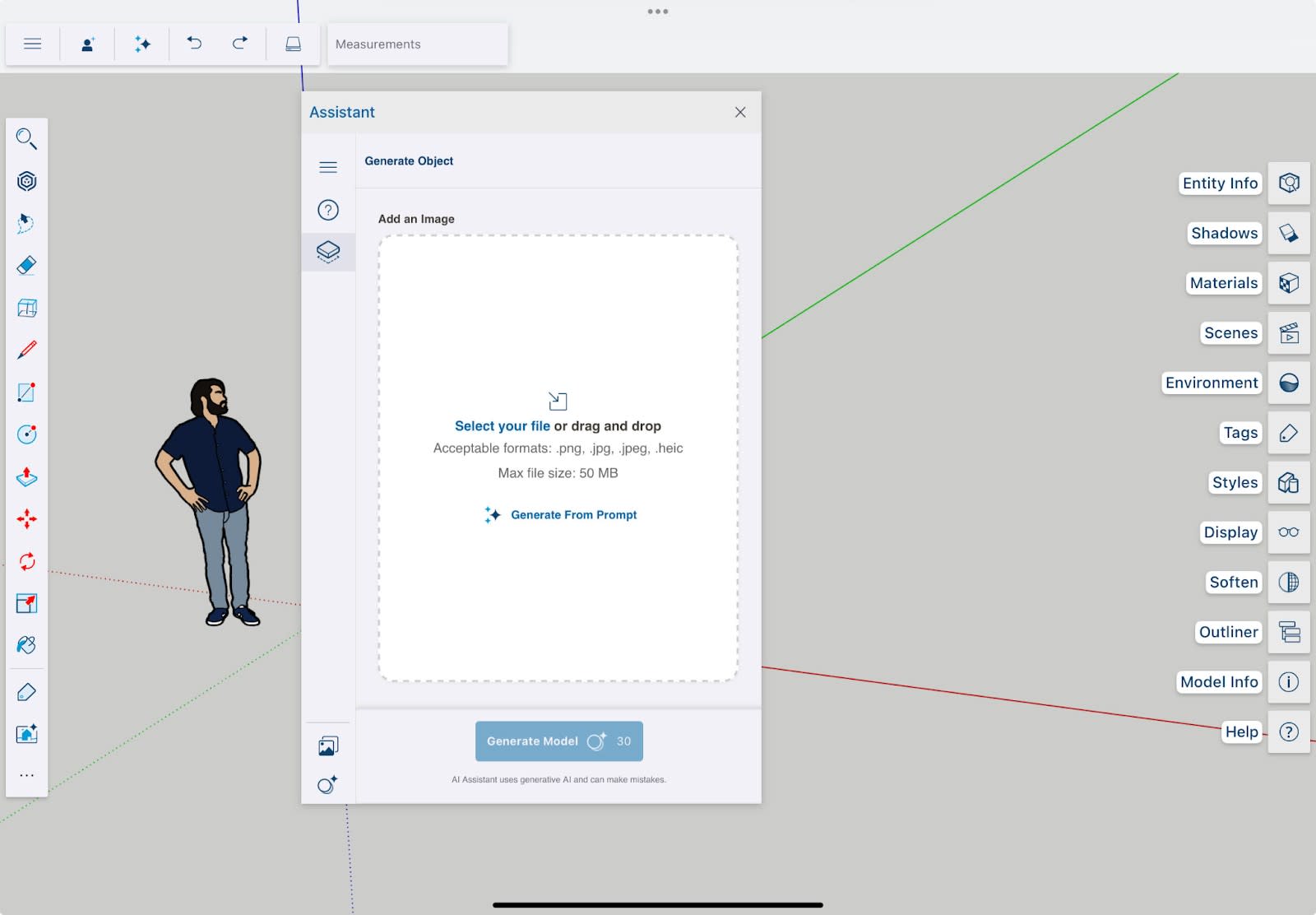
Tapping Generate Object (  ) opens the Generate Object interface. For details on how it works, see Generate Object .
If you select AI Render the AI Render modal opens. For more information on how it works, see AI Render in SketchUp for iPad .