
Exporting a SketchUp Model to LayOut
Last updated: apr. 10, 2026•1 min read.
SketchUp and LayOut are designed to work together. In SketchUp, the easiest way to send your models over to LayOut is Send to LayOut (  ). You can find this option in the following locations:
The Getting Started toolbar
The Large Tool Set
The File menu
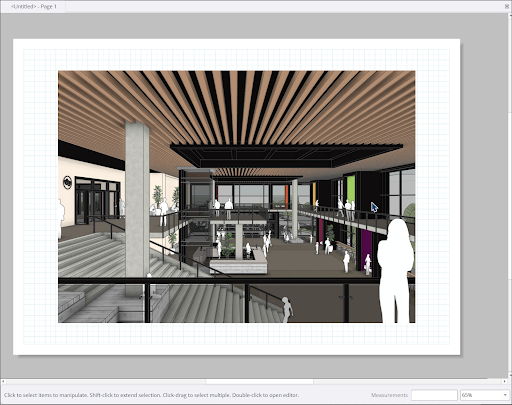
When you choose to send your model to LayOut, a notification will appear prompting you to save your model. LayOut will open and ask you what type of document you would like to create. A viewport containing your model will appear in the new LayOut document.
For more information on how LayOut and SketchUp compliment each other, see SketchUp Models in LayOut .