Selecting Scenes
Last updated: apr. 10, 2026•1 min read.
SketchUp scenes help you save a specific view of a model. If you have more than one scene saved to a model you can switch between them within its viewport.
To change a SketchUp model’s scene from the SketchUp model Panel:
Select your SketchUp model.
Under Viewport, click the Scene dropdown menu.
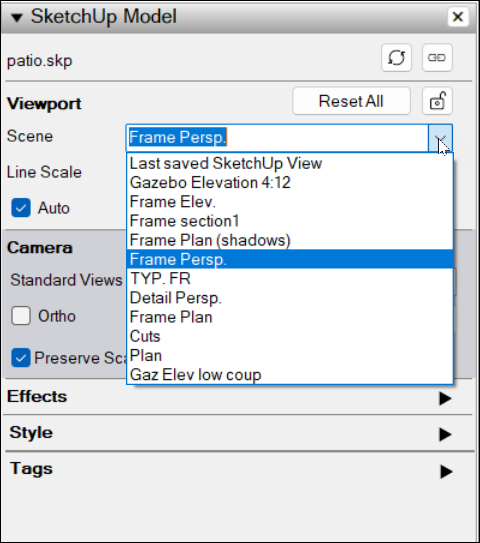
Select the name of the scene you want from the list.
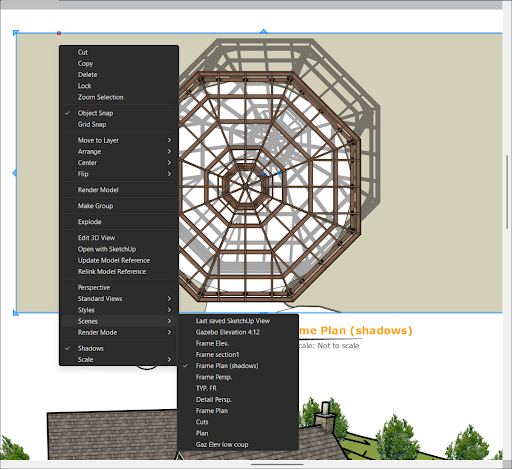
To change a SketchUp model’s scene using the context menu:
Context-click in the SketchUp model’s viewport.
Select Scenes.
Select the name of the scene you want to use.