Accessing 3D Warehouse
Last updated: apr. 11, 2026•1 min read.
3D Warehouse is easy to find no matter which version of SketchUp you prefer to use. You can always go to https://3dwarehouse.sketchup.com/ in your web browser, or just look for the 3D Warehouse icon (  ) within SketchUp.
SketchUp for Desktop
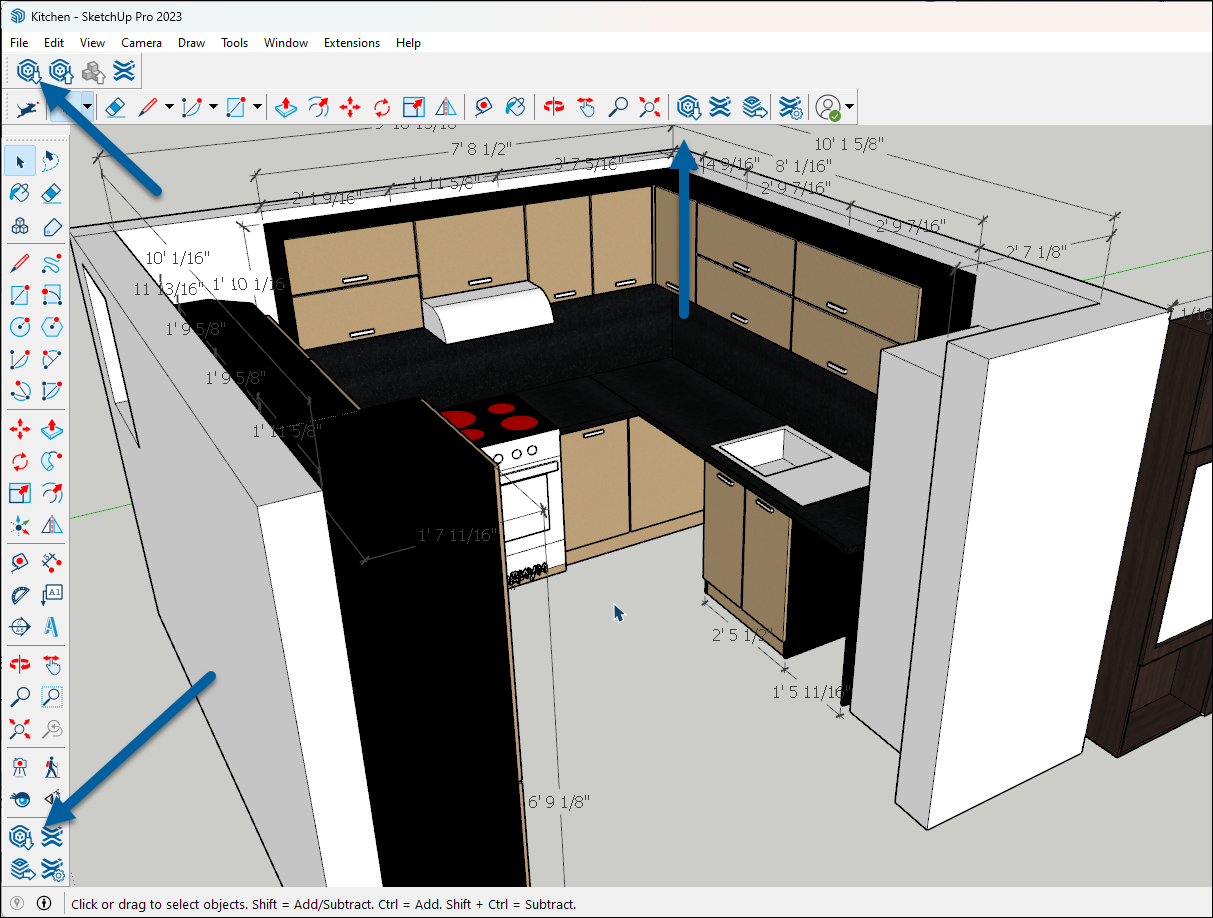
In SketchUp for Desktop, you can find 3D Warehouse in the Getting Started, Large, and Warehouse toolbars.
SketchUp for Web
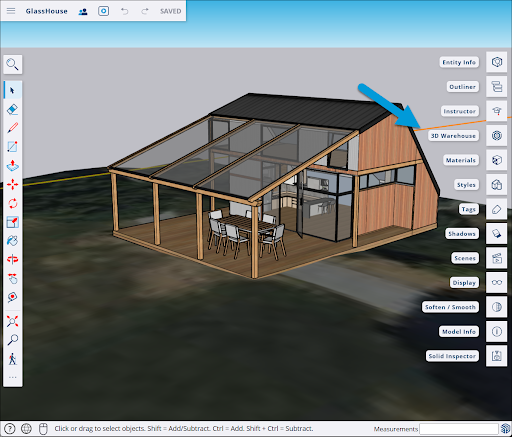
In SketchUp for Web, you can find 3D Warehouse on the right side among the Panels.
SketchUp for iPad
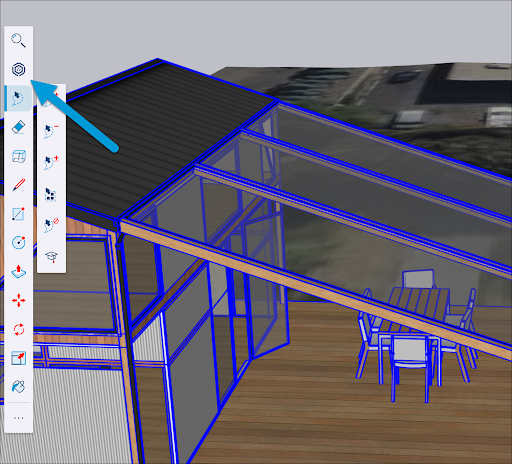
In SketchUp for iPad, you’ll see 3D Warehouse at the top of your Main Toolbar.